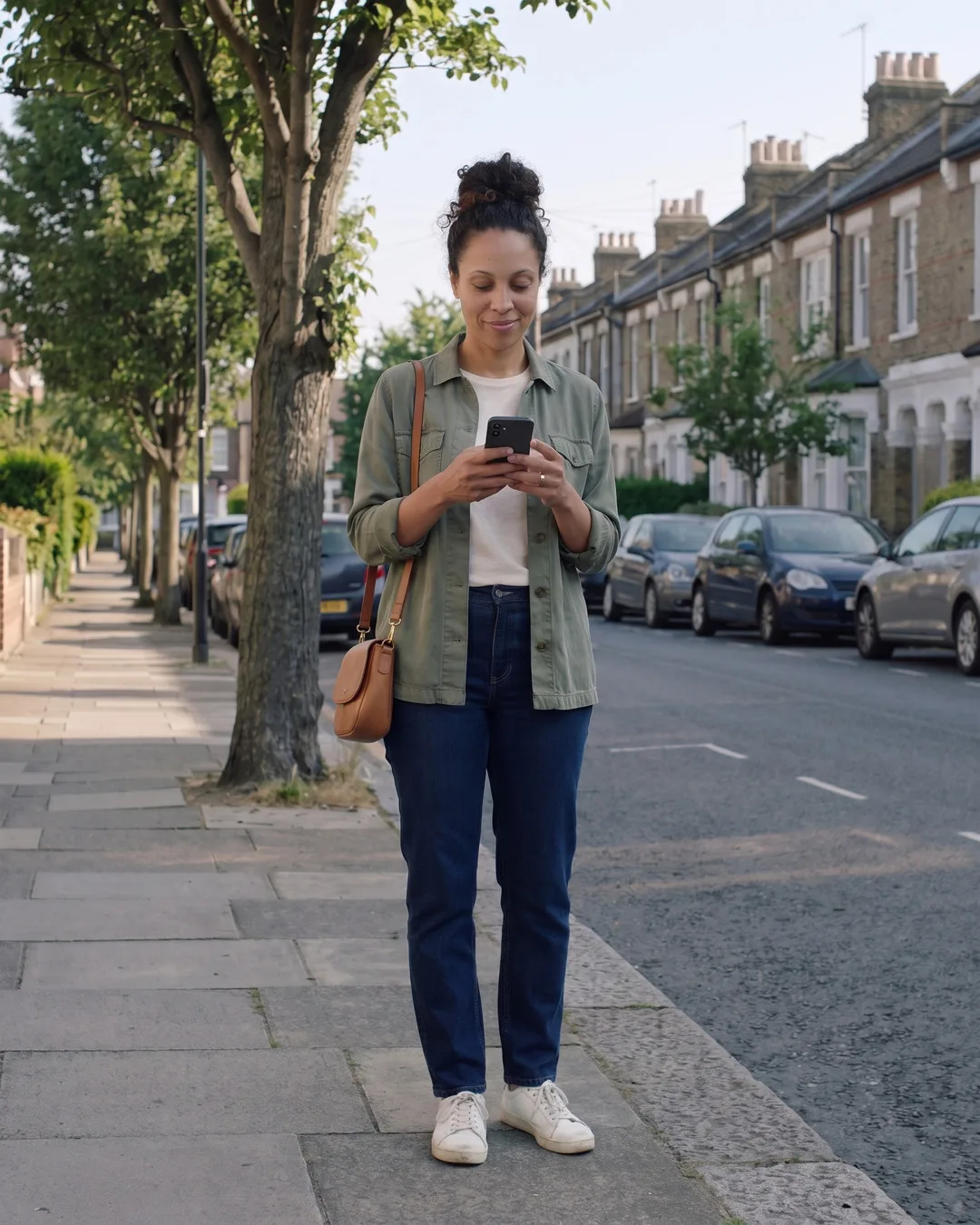

01 Spot it 09:12
A charger on her own streets.
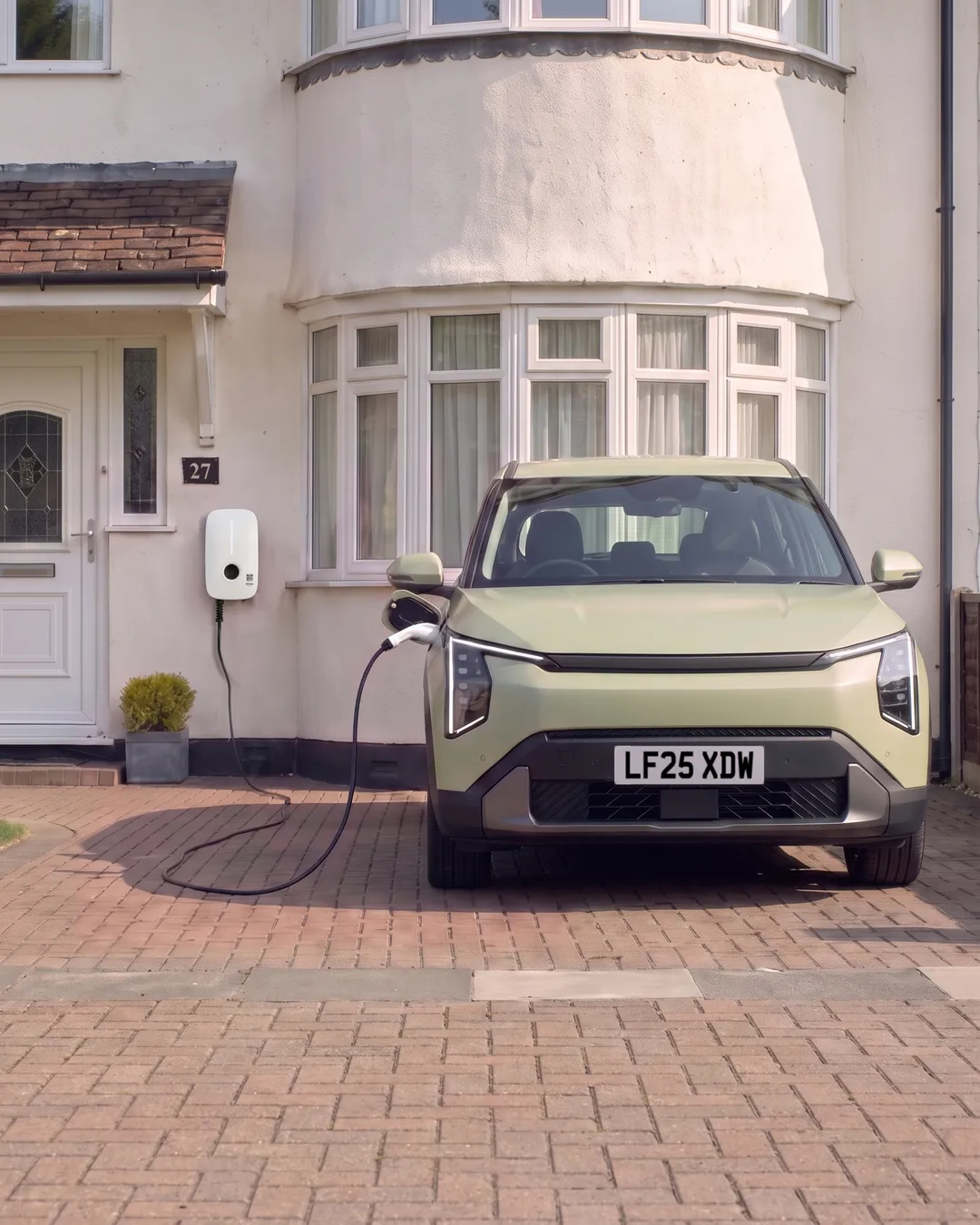
Maya's street has no driveways. On the map there's a pin three streets away: Martin's charger, free now. She taps it and its card opens.
Bookable chargers · for guests
Here's how Maya books Martin's charger for Saturday morning, from spotting it on the map to the moment it's hers.
01 Spot it 09:12
Maya's street has no driveways. On the map there's a pin three streets away: Martin's charger, free now. She taps it and its card opens.
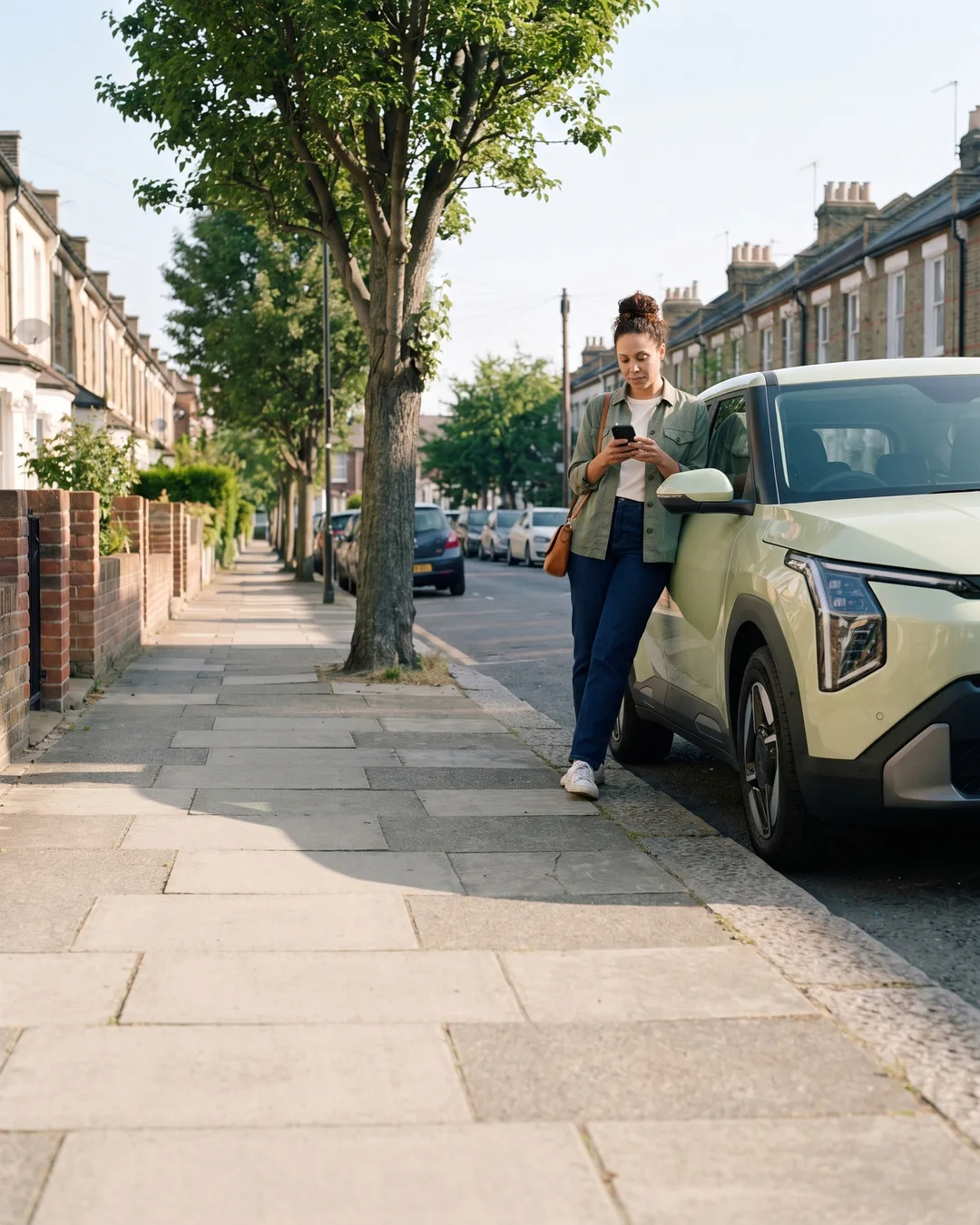
02 Look closer
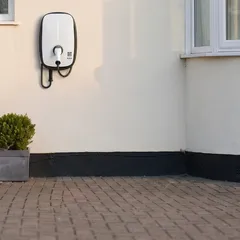
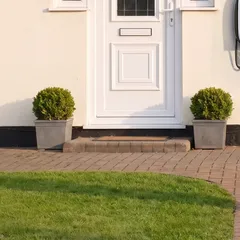
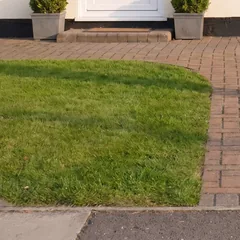
Photos of the bay, the way in and the street, then the plug, the speed and the price per kWh, set by Martin. No guessing what she's booking.

03 The next 24 hours
One strip shows when the charger's free over the next day, so she can spot a window before she picks one.
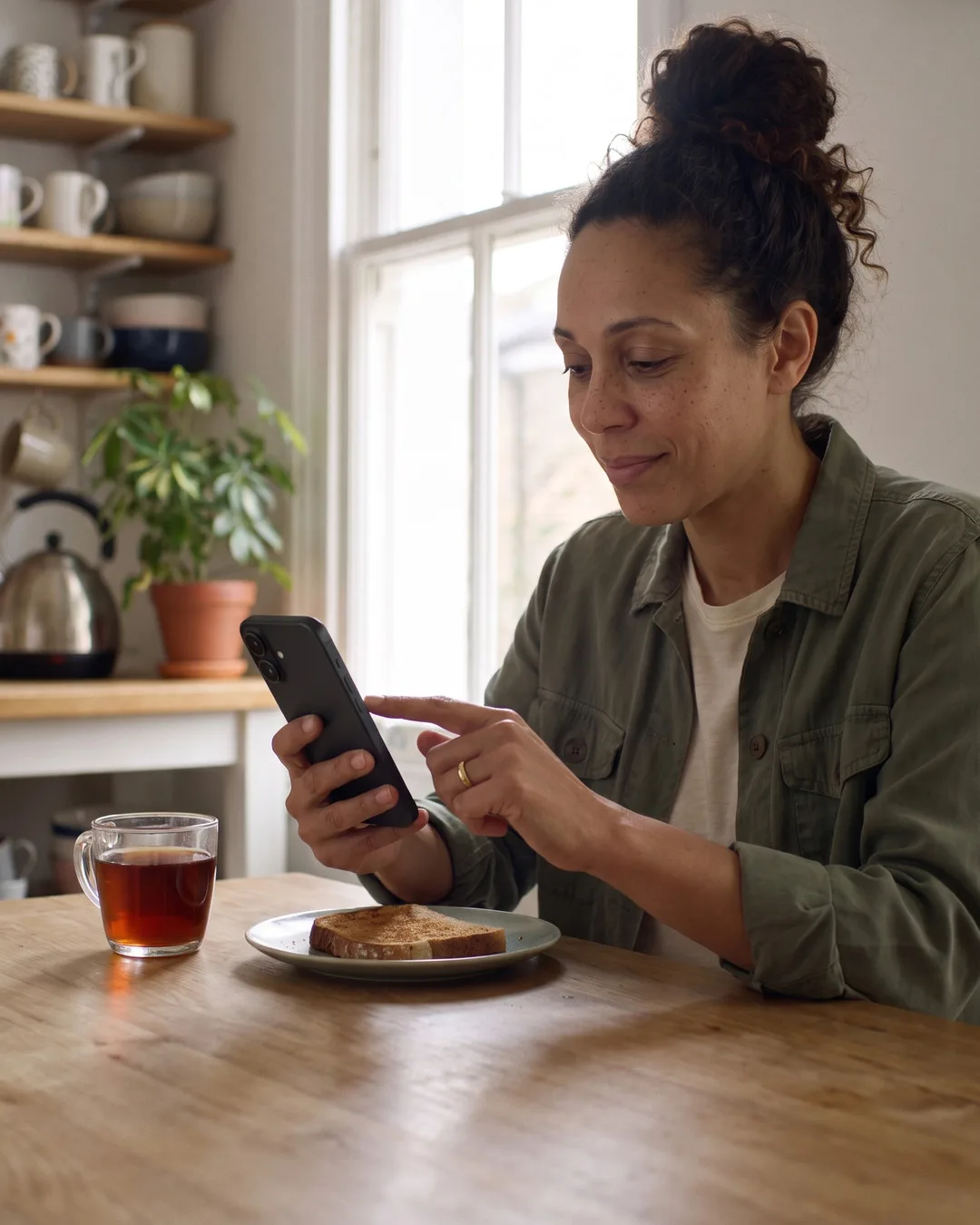
04 Pick your hours 09:15
She picks five hours on Saturday, from 10:00. Times that are taken simply aren't there to tap.

05 Martin's side
Martin hears the moment she books. Hosts who'd rather say yes to each booking first can turn on Request to Book: each booking then arrives as a request to approve or reject, and requests expire after 24 hours.
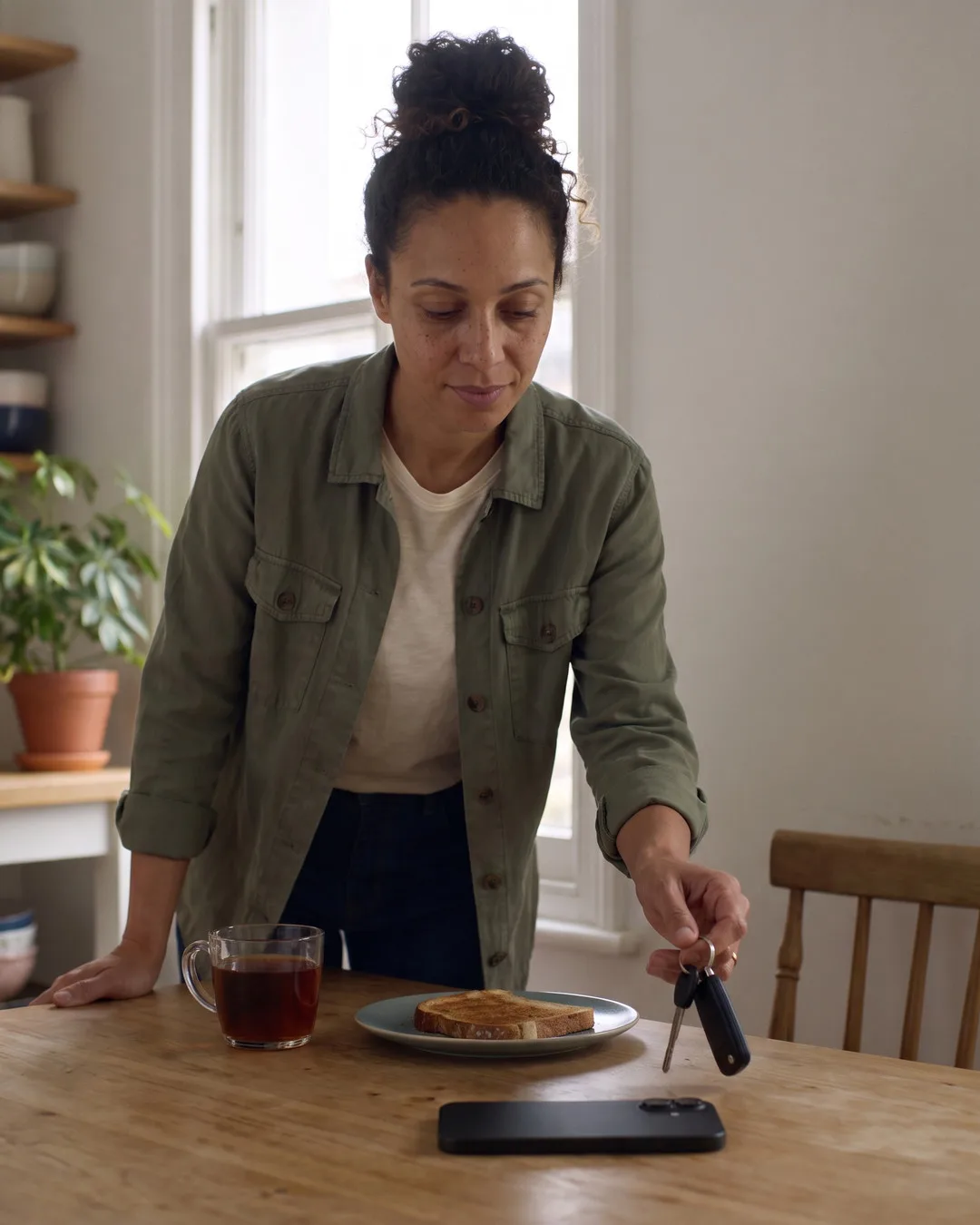
06 It's yours
The hours are hers. If she needs anything before then, she can message Martin in the app.
 Next chapter
10:00, on Martin's drive. Her booking is her key.
Read onDownload Splash to find a charger near you, or to share yours. The app walks you through it.
Download Splash Questions? Read the FAQ