Journal · Guide
How Splash works
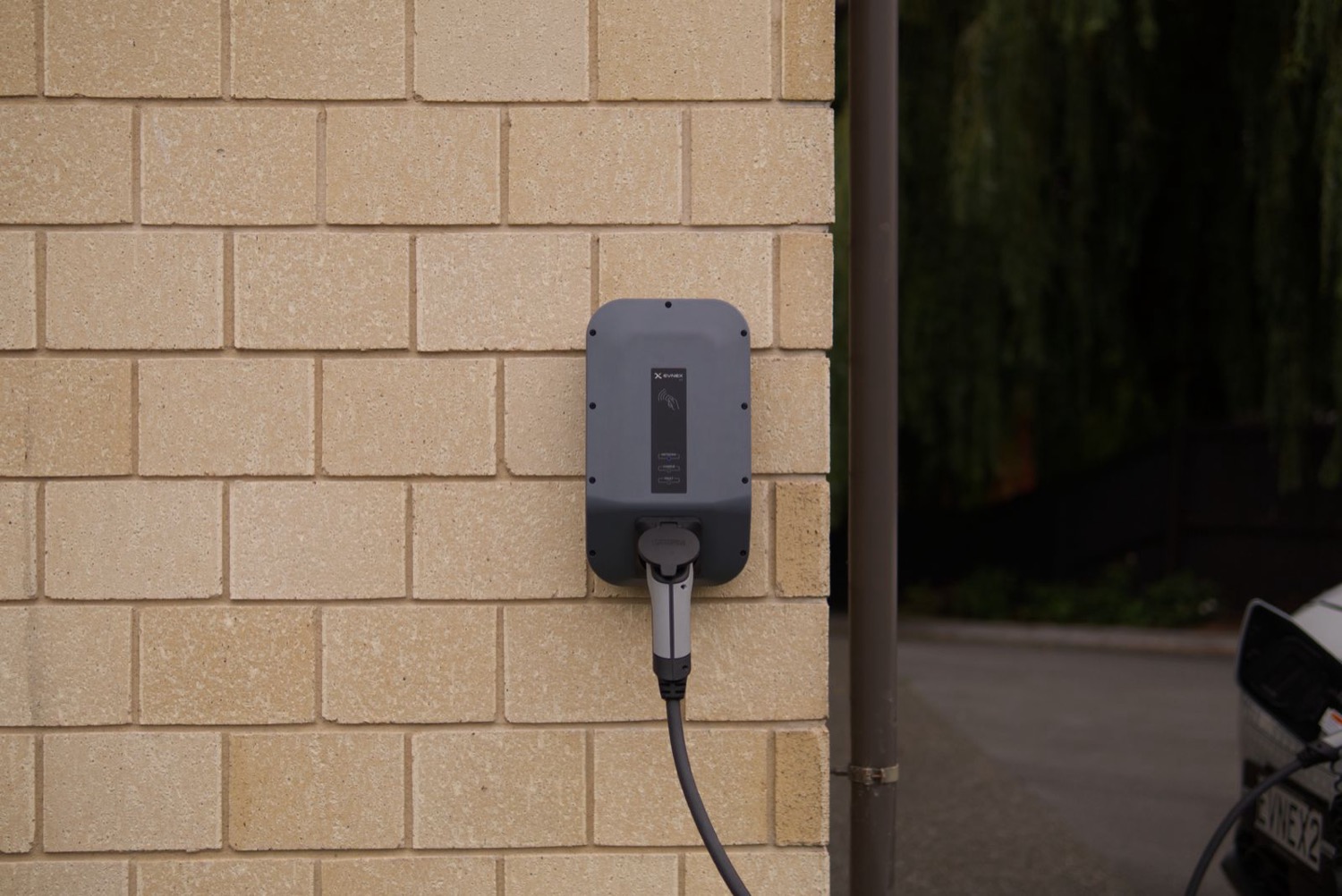
Splash talks to the charger you already have, in whichever language it already speaks. Nothing to buy, nothing to rewire, nothing new on your wall. And you decide when it's used, every time.

01
It speaks your charger's language.
Many home chargers speak a shared open standard called OCPP. It's how chargers and apps talk to each other, and Splash speaks it too: you point your charger's own settings at Splash.
For myenergi, Easee, Ohme, Tesla, Wallbox and Zaptec, you sign in to your charger's account once and approve the link instead. Either way there's nothing to install, nothing to rewire, nothing new on your wall.
Splash works with a growing list of brands. See how yours connects in the connection guides, and message us for assistance.











02
It steps in for a booking, then steps back.
When a guest books a slot, Splash starts that one session, stops it at the end, and notes how much charge was used, as counted by the charger. That's the whole job.
The rest of the time Splash leaves your charger alone, unless you've asked it to schedule your own charge. No watching, no surprises.
03
You stay in control.
Block off the hours you need the charger yourself. Set your own price. Turn on Request to Book and you approve each booking first, and you see each guest's name, photo and car before they arrive.
If your plans change, your plans win. Every time.
04
It works with your cheap hours.
If your electricity plan has the same cheap window every night, like a set overnight rate, you're sorted. Scheduled charging lines your charge up with those cheaper hours so you pay less, automatically.
If you're on a plan where the cheap hours move around night to night, like Intelligent Octopus Go, Splash can't work alongside it yet: your supplier decides when your car charges, and we'd only be talking over each other. Message us and we'll let you know as soon as that changes.
05
Keep your own charger app.
Splash doesn't take over. Your charger's own app keeps working, so you can charge your own car whenever you like and share only the hours you weren't going to use anyway.
One exception: if you're on smart charging, where your supplier or charger maker decides when your car charges, your own scheduling is already limited by that. Tell us what you've got and we'll tell you what it means for you.
Your charger's app keeps working. Splash only steps in when it's asked to.